There are a few times green-screen work is evident in the video (e.g. timestamp 1:33) but the best in my opinion and most obvious use starts at 2:51 as Rocky starts falling. The layered images effect over him falling looks insanely cool as well.
After i finished recording my footage, i opened up premier and imported it. After this i added ultra key to all the clips i cut together and selected the colour green to be pasted over. I then added my background and i was in the city
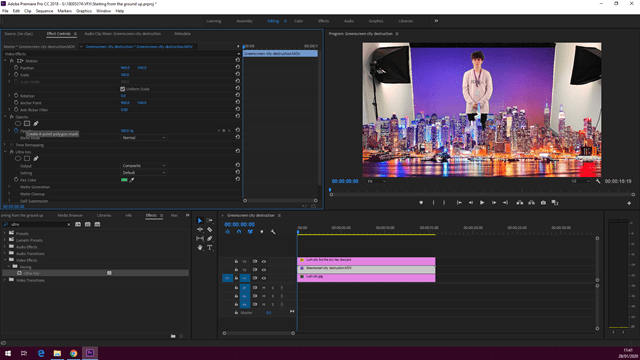
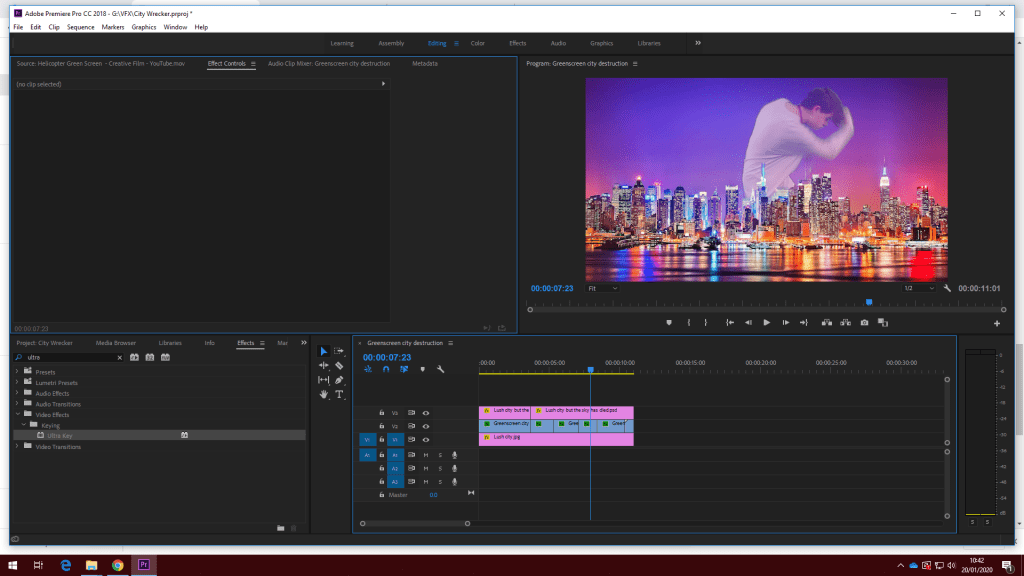
Next I altered some of the opacity, scale and position of myself to make myself to appear like a ghost, teleporting about to smack some buildings up. After this, i started a new project and began adding green-screens i found online just to get a better at using premier while having fun with it

 EthChilla’s Gamer Blog